


Have you ever come across an Instagram video or photo that you absolutely loved and wanted to save instantly? If so, you’re in the right place! This blog post will guide you on how to download Instagram videos and photos, explain how Instagram downloader tools work, and highlight their benefits. Let’s dive in!
Why Instagram is a Hub for Videos and Photos
With over 2.35 billion monthly active users, Instagram is one of the most popular social media platforms globally, trailing only behind Facebook, WhatsApp, and YouTube. It’s the go-to app for sharing moments, stories, and videos. But what if you want to save that amazing content for offline viewing or sharing? That’s where an Instagram downloader comes in handy.
What is an Instagram Downloader?
An Instagram downloader is a tool—either an app or website—that allows users to download and save photos, videos, stories, and other content from Instagram to their devices. Whether you want to watch content offline or share it with someone who doesn’t have an Instagram account, these tools make it possible.
Why Use an Instagram Downloader?
You might wonder, “Why do I need an Instagram downloader when I can view content directly on the app?” Here are some compelling reasons:
- Offline Access: Save videos and photos to watch later, even without an internet connection.
- Share with Anyone: Easily share content with friends or family who aren’t on Instagram.
- Preserve Memories: Save content in case an Instagram account is deleted or lost.
- Educational Purposes: Students and learners can save content for research or reference.
Key Features of Instagram Downloaders
Instagram downloaders offer a range of features that make them incredibly useful:
- Download videos and photos from public accounts.
- Save Instagram stories that disappear after 24 hours.
- Choose from multiple quality options for downloaded content.
How to Download Instagram Videos: A Step-by-Step Guide
Ready to download Instagram videos? Follow these simple steps:
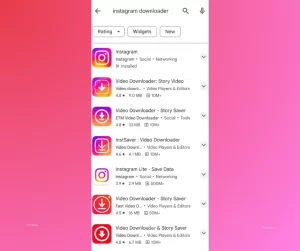
Step 1: Download an Instagram Downloader
For smartphones, visit the Play Store or App Store and download a trusted Instagram downloader app. Check the app’s ratings and reviews before installing.
For desktops, visit a reliable Instagram downloader website.
Step 2: Copy the URL
- Open Instagram and find the video or photo you want to download.
- Click the Share button and copy the link.
Step 3: Paste the URL
Open the downloader app or website and paste the copied link into the provided field.
Step 4: Download the Content
Click the Download button. Some tools may offer quality options—select your preferred resolution.
Step 5: Enjoy Your Content
Once the download is complete, the video or photo will be saved to your device’s gallery. You can now view or share it anytime!
Using Online Downloader Websites (Best for All Devices)
This method works seamlessly across desktop, Android, and iPhone without requiring any software installation, making it one of the easiest and most accessible options for users.
To begin, copy the link of the Instagram photo or video you want to download. Open the Instagram app, navigate to the desired content, tap the three-dot menu or paper airplane icon, and select “Copy Link.”
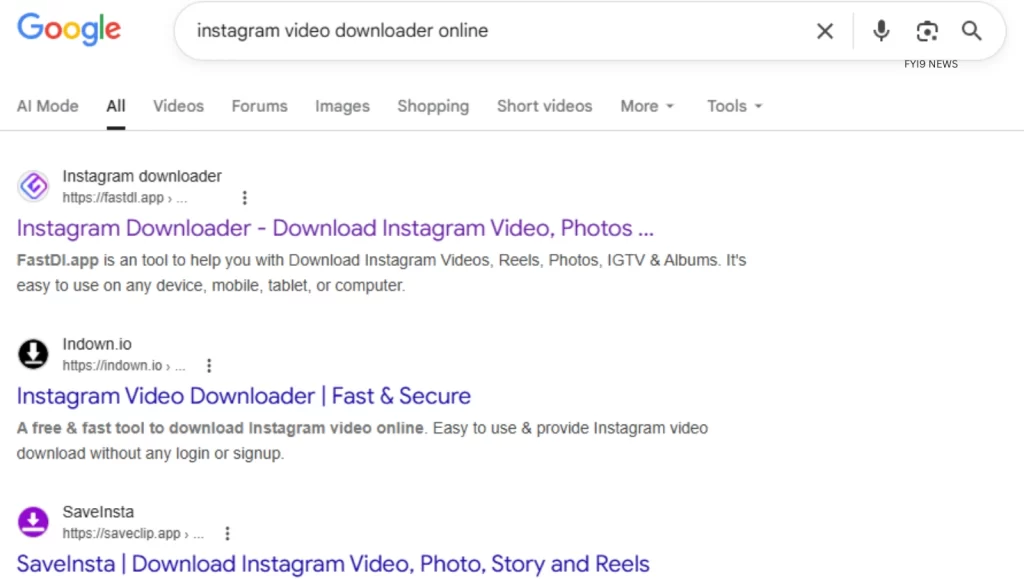
Google search “Instagram video downloader online”. Next, visit a reliable online downloader using your web browser. These platforms are designed to process Instagram URLs quickly and securely.
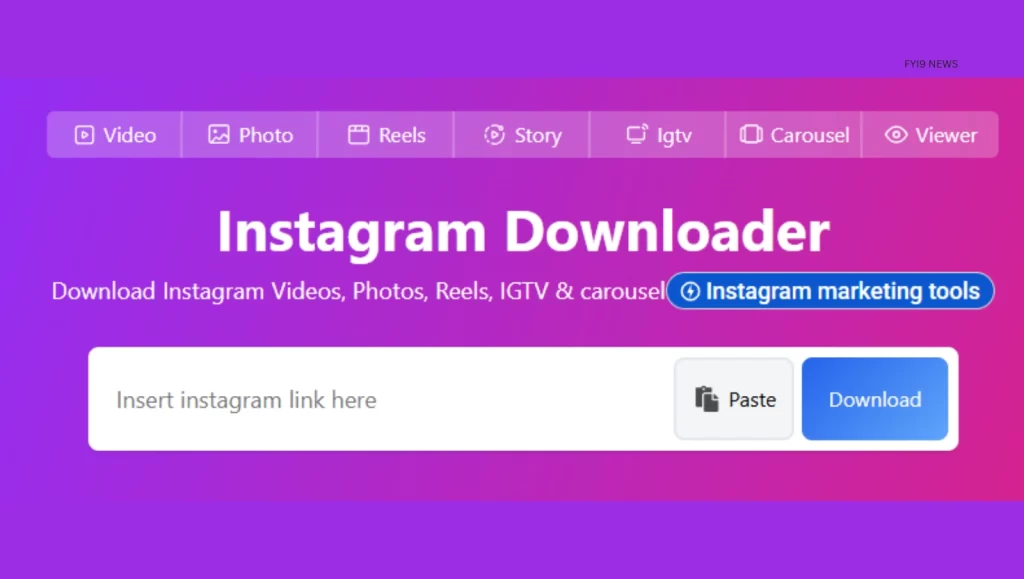
Once on the website, paste the copied link into the provided URL field and click the download button. Within seconds, the platform will generate a downloadable version of the content, allowing you to save it directly to your device.
Things to Keep in Mind When Using Instagram Downloaders
While Instagram downloaders are incredibly useful, it’s important to use them responsibly:
- Respect Copyrights: Only download content from public accounts where downloading is permitted.
- Avoid Legal Issues: Downloading content that breaches copyright or intellectual property rights can lead to account suspension or legal trouble.
- Choose Trusted Tools: Always use reputable apps or websites to avoid malware or security risks.
Final Thoughts
Downloading Instagram videos and photos is a breeze with the right tools. Whether you want to save memories, share content, or enjoy videos offline, Instagram downloaders offer a simple and effective solution. Just remember to use these tools responsibly and respect the rights of content creators.
Now that you know how to download Instagram videos, why not give it a try? Share your favorite Instagram content with friends and family, or save it for future enjoyment!
FAQs
Question: Is there a way to download all Instagram photos at once?
Answer: Downloading all Instagram photos at once is not directly supported by Instagram. However, some third-party tools and data export features allow users to download their own content in bulk. For other accounts, bulk downloading is generally restricted and may violate platform policies.
Question: Can I save an Instagram video to photos?
Answer: Yes, once you download an Instagram video using a downloader tool, it is automatically saved to your device’s gallery or photos app. From there, you can access it just like any other media file.
Question: How can I save other people’s Instagram photos?
Answer: You can save other people’s Instagram photos by copying the post link and using a trusted Instagram downloader website or app. Make sure the account is public and always respect copyright and usage rights before saving or sharing content.
Must Read – MiniCharge 20 Powerbank with 20,000mAh Battery by Ambrane Launched
Join our WhatsApp News Channel for quick updates – FYI9 News WhatsApp Channel